Frequently Asked Questions
🔹 How do I turn the battery on or off?
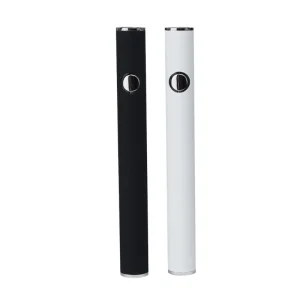
Quickly press the power switch five times continuously within two seconds to toggle the power status.
🔹 How can I adjust the output voltage?
While the device is on, press the switch three times continuously to cycle through the variable voltage settings (3.2V - 4.2V).
🔹 What do the different LED colors indicate during use?
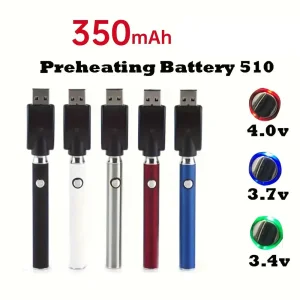
Green LED indicates full power (3.85V-4.2V), Blue LED indicates low power (3.5V-3.8V), and Red LED indicates the device is in recharge status.
🔹 How do I know if the battery needs recharging?
If the LED light flashes 10 times, it indicates the voltage is low and the device requires a recharge.
🔹 What safety features are included?
The battery includes Short-Circuit Protection (LED flashes 3 times) and Low-Voltage Protection (device stops working when battery is below 3.2V).
🔹 How does the charging indicator work?
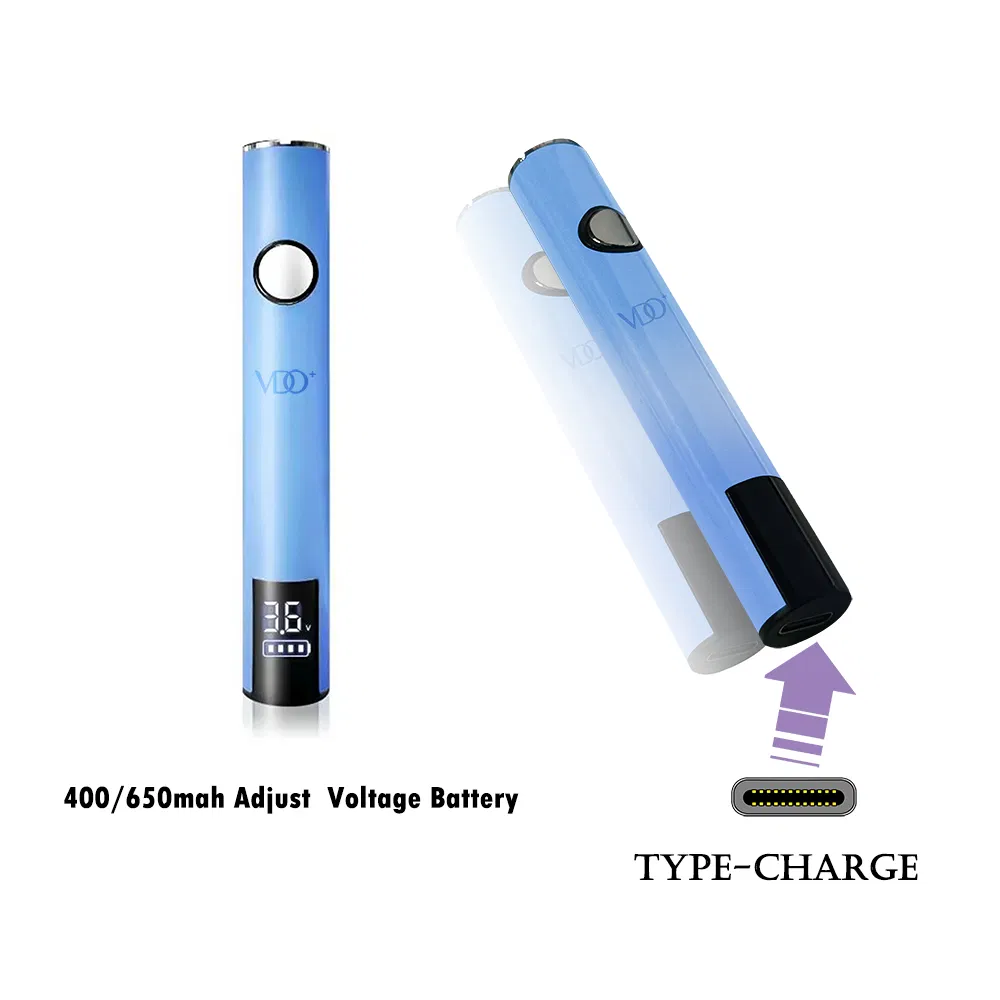
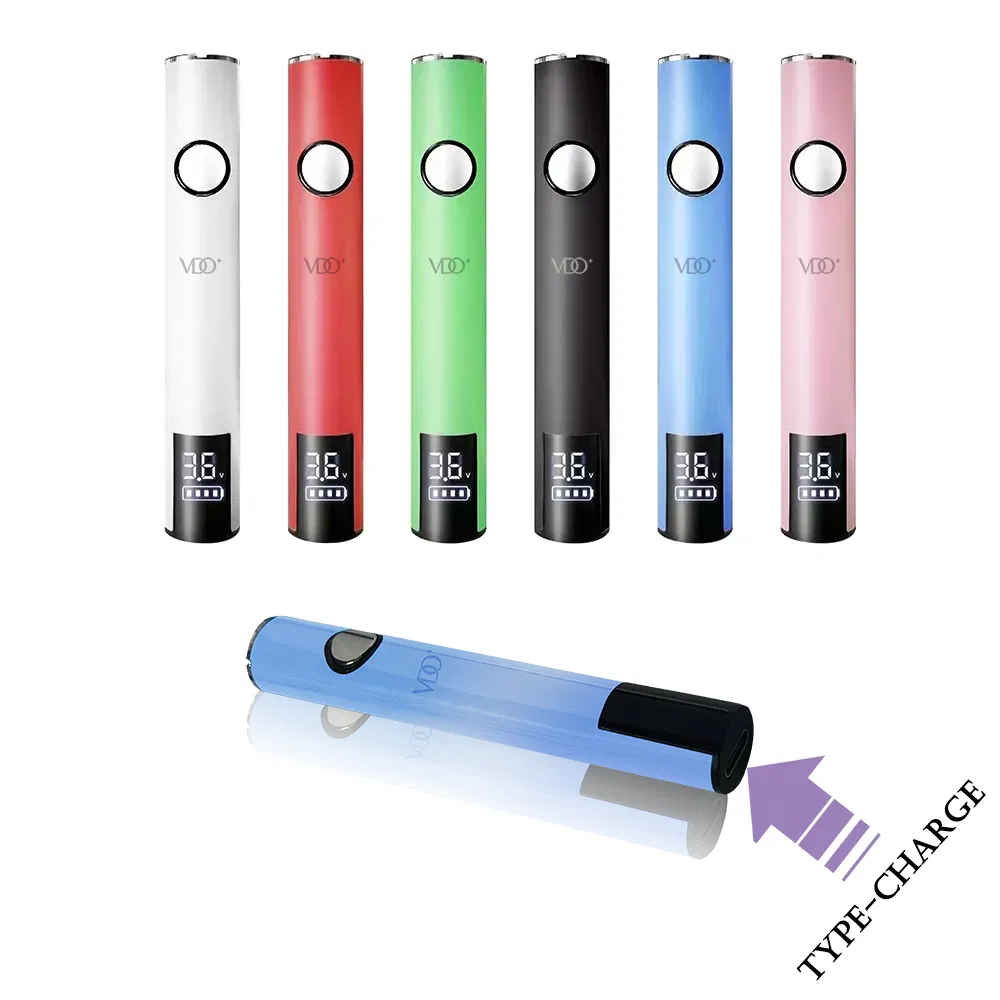
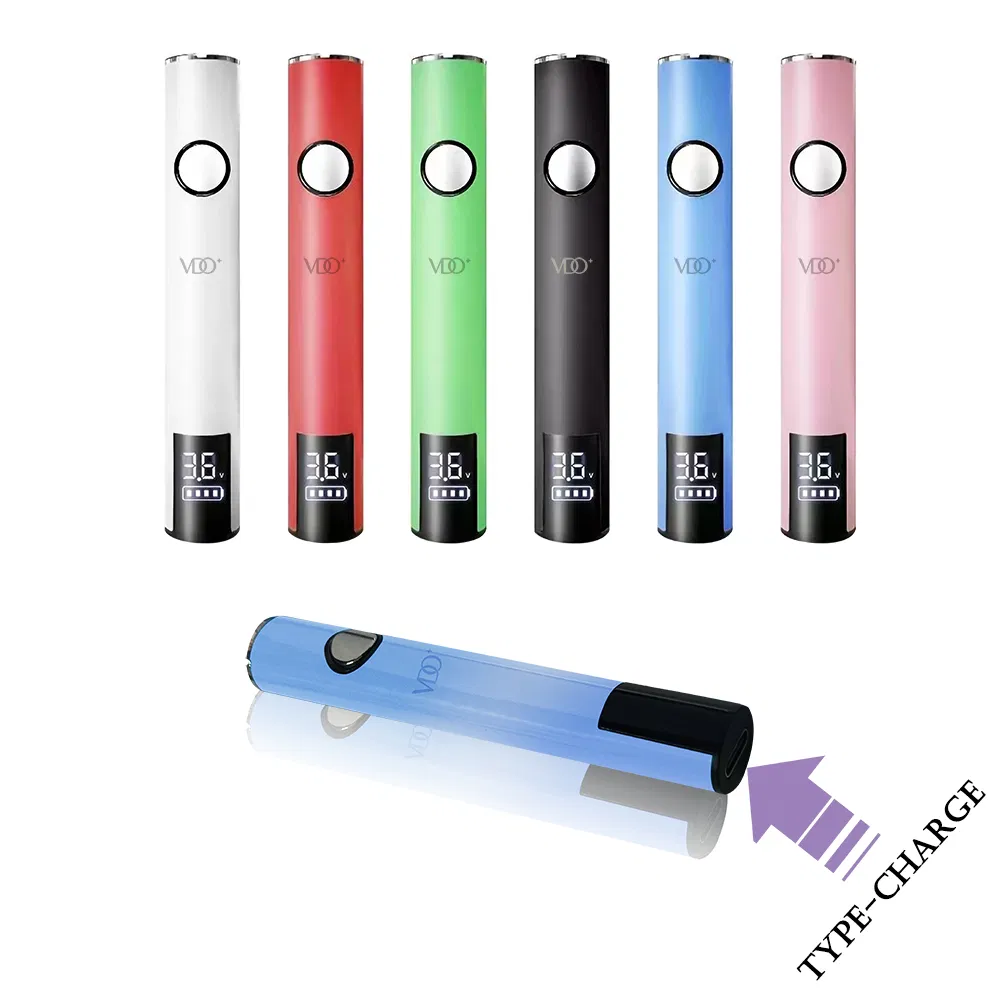
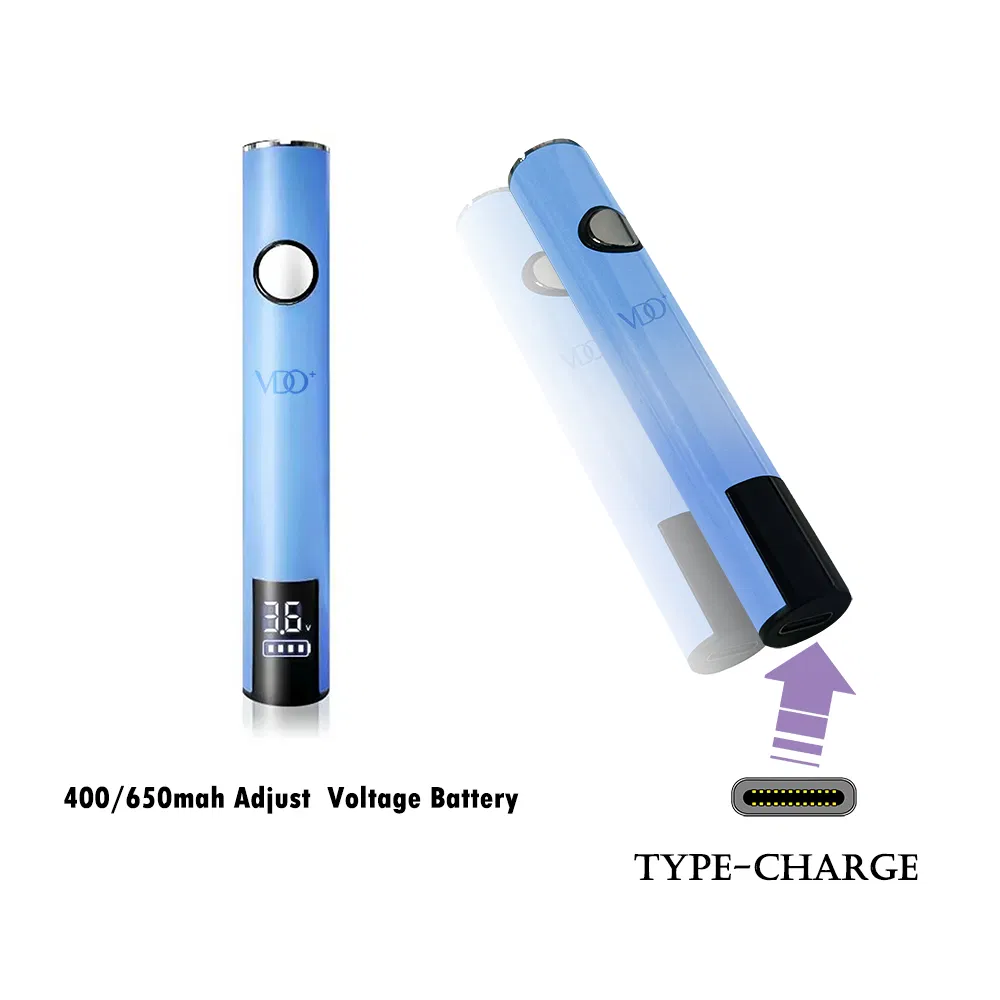
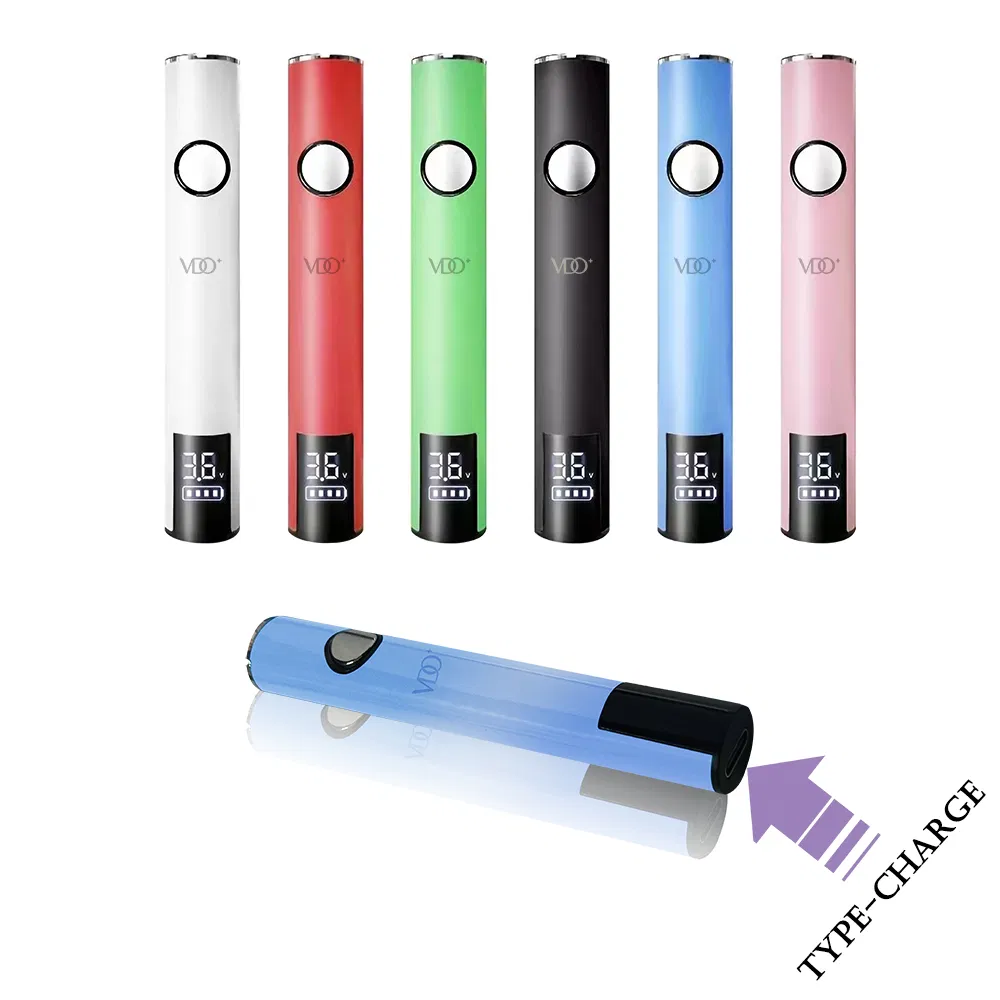
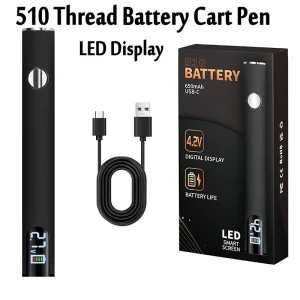
When charging via Type-C or Micro USB, the Red LED stays on. Once the voltage exceeds 4.15V (Charge Done), the Green LED will light up.
 Nano Vape